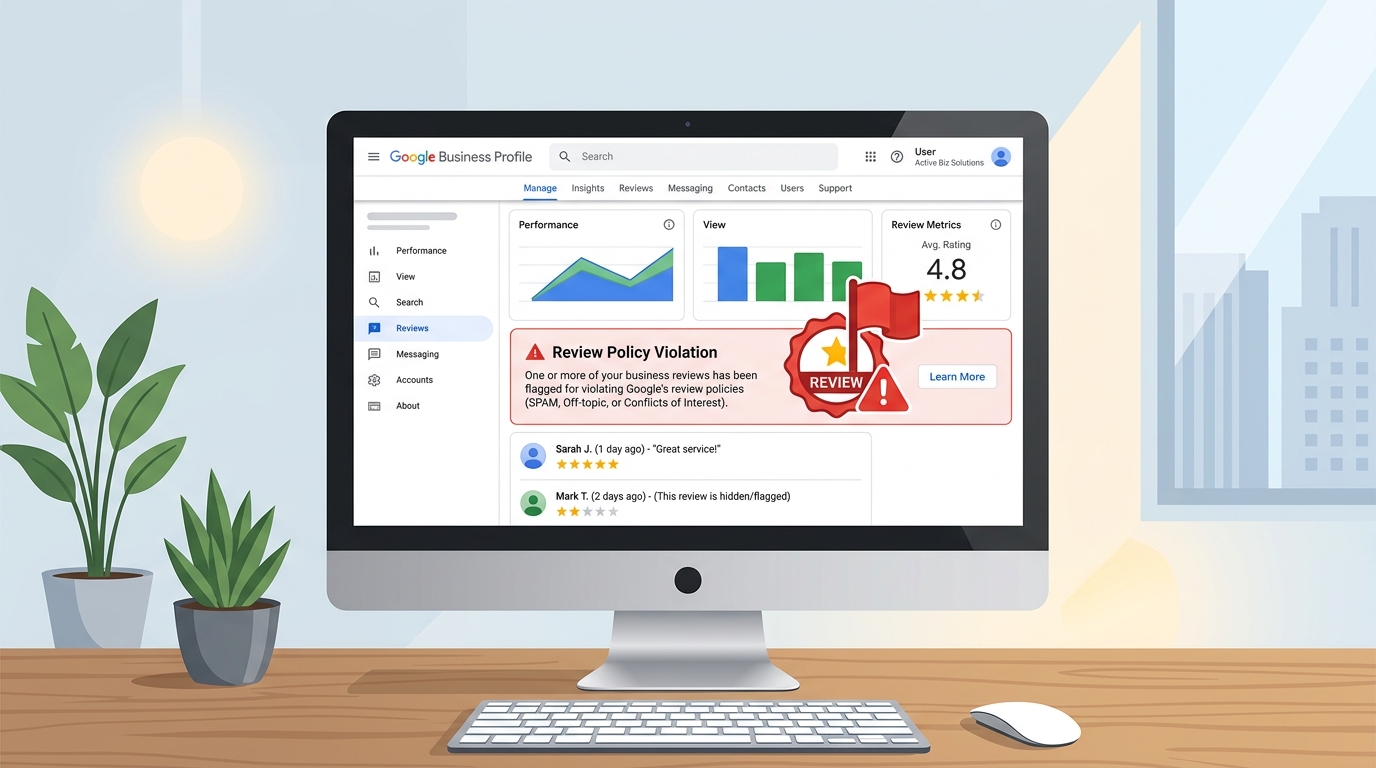
A bad review on Google can feel like a punch to the gut, especially when you have worked hard to build your business. The natural instinct is to want it gone. But before you start looking for a delete button, it is important to understand how Google reviews actually work — and what your options are.
The short answer: you cannot directly delete a Google review that someone else has written. But depending on the situation, there are steps you can take.
Can a Business Delete a Google Review?
No. A business owner cannot directly delete a review that another person has posted on their Google Business Profile. The customer who wrote the review controls their own review and can edit or remove it from their Google account.
If you believe a review violates Google's policies, you can report it to Google for review. Google may remove the review if it finds that the content breaks its policies.
A negative review is not automatically a policy violation. For example, a genuine customer who had a poor experience can leave an honest negative review, even if the business disagrees with it. However, reviews that appear to be fake, spam, abusive, irrelevant, or connected to a conflict of interest may be eligible for removal.
The best approach is to first determine whether the review actually violates a Google policy. If it does, report it. If it is genuine feedback, respond professionally and focus on resolving the customer's concern.
When Can a Google Review Be Reported?
Not every negative review qualifies for removal. Google generally looks at whether the content violates its review policies rather than whether the business owner agrees with it.
Here are some situations where reporting may be appropriate.
Fake or Misleading Reviews
If someone claims to have used your business when they never actually did, the review may be fraudulent.
For example, you may receive a review from someone who has never visited your restaurant, used your service, or purchased anything from your business.
If you have evidence that the person was never a customer, you can report the review and explain why you believe it is fake.
Spam or Repeated Content
Reviews that contain promotional material, irrelevant links, repeated content, or other forms of spam may violate Google's policies.
For example, someone posting the same promotional message across multiple business profiles is very different from a genuine customer describing their experience.
Offensive or Abusive Content
A review containing serious harassment, hateful content, threats, or inappropriate personal attacks may be reportable.
Keep in mind that a customer can still leave a negative review without violating Google's rules. A review saying they were unhappy with your service is not automatically abusive.
Conflict of Interest
A review may also be questionable when the person leaving it has a direct conflict with your business.
For example, a competitor could potentially leave a review to damage your reputation, or someone connected to the business could post content intended to manipulate its rating.
If you believe this has happened, report the review and provide any relevant information you have.
Irrelevant Reviews
A review should generally relate to the customer's experience with the business.
If someone uses your Google Business Profile to post political comments, unrelated complaints, advertising, or other content that has nothing to do with your business, it may be worth reporting.
How to Report a Bad Google Review
If you believe a review breaks Google's policies, you can report it for review. Before submitting a report, make sure you have a clear reason for doing so. A review should not be reported simply because it is negative or because you disagree with what the customer wrote.
Step 1: Find the Review
Open your Google Business Profile or search for your business on Google or Google Maps. Find the review you believe violates Google's policies.
Step 2: Report the Review
Open the options menu next to the review and choose the option to report or flag it. Google may ask you to select a reason for the report.
Step 3: Choose the Reason Carefully
Select the option that best describes the problem with the review.
For example, if the review appears to be fake, spam, abusive, or unrelated to your business, choose the reason that matches the situation. Avoid selecting a reason simply because the review is damaging to your business.
Step 4: Submit the Report
Submit the report and allow Google to review the content. If you have information that supports your report, keep it available in case you need to provide further details.
What Happens After You Report a Google Review?
Reporting a review does not mean Google will automatically remove it. Google needs to determine whether the review actually violates its policies.
The review may stay visible while Google evaluates the report, and the final outcome depends on what Google finds.
| What Google Finds | Possible Result |
|---|---|
| The review violates Google's policies | Google may remove it |
| The review is negative but follows the rules | The review may remain |
| More information is needed | Google may provide further steps |
| The report does not meet the removal criteria | The review will remain published |
If Google decides that the review does not violate its policies, there is usually no reason to keep reporting the same review simply because you disagree with the decision.
Give Google a Clear Reason to Review It
When reporting a review, focus on the specific problem rather than explaining how much the review is hurting your business.
For example, saying "This review is unfair and is hurting my business" does not necessarily show a policy violation.
A stronger report would explain why you believe the review is fake, irrelevant, spam, abusive, or otherwise against Google's rules.
What If Google Does Not Remove the Review?
If Google reviews the complaint and keeps the review, your next step depends on the type of review.
If it is a genuine customer complaint, the most useful approach is usually to respond professionally and try to resolve the underlying issue. Your response is also visible to future customers, so avoid turning the situation into a public argument.
If the review appears to violate Google's policies and you believe the decision was incorrect, check whether Google provides an appeal or additional support option for your case.
For legitimate negative reviews, however, building a strong collection of genuine customer feedback is often more useful than trying to remove every criticism. Making it easier for real customers to share their experiences can help your overall review profile become a more accurate reflection of your business.
Understanding the Difference: Bad Review vs. Fake Review
It is important to be honest with yourself about which type of review you are dealing with:
| Type | Description | Action |
|---|---|---|
| Negative but genuine | A real customer had a bad experience | Respond professionally, try to resolve the issue |
| Fake review | The person was never a customer | Report to Google with evidence |
| Policy violation | Contains hate speech, spam, or irrelevant content | Report to Google |
Why You Should Not Buy Positive Reviews
It is tempting to think that buying a batch of 5-star reviews will drown out the bad ones. But this approach is dangerous:
- Google actively detects and removes fake reviews
- Your business profile can be suspended or penalised
- Customers can often tell when reviews are fake
- It violates Google's Terms of Service
The better approach is to build a genuine stream of reviews from real customers. Tools like Google reviews generator from MyBusinessReviews help by making it easy for satisfied customers to write and post their own honest reviews.
Conclusion
You cannot delete most negative Google reviews, but you can report ones that violate Google's policies. For legitimate bad reviews, the best response is a professional reply, resolving the customer's issue, and continuing to collect genuine positive reviews. Over time, a strong collection of honest reviews will speak louder than any single bad one.
Related articles:
Frequently Asked Questions
Can I delete a Google review on my business?
No. Only the reviewer can delete their own review. As a business owner, you can report reviews that violate Google's policies, but you cannot remove them directly.
How do I delete fake reviews on my Google Business?
Report the review through Google Maps or your Business Profile Manager. Select the reason for reporting (spam, fake, offensive, etc.) and submit. Google will review it and decide whether to remove it.
How long does it take for Google to remove a reported review?
It typically takes a few days to several weeks. In some cases, Google may not remove the review if they determine it does not violate their policies.